In short: LM Studio officially recommends a minimum of 16GB RAM — 8GB is below the recommended threshold. But this doesn't mean local AI is impossible on such a Mac. Phi-4-mini 3.8B and Gemma 4 E4B are essentially the only models that provide a comfortable experience on 8GB of unified memory. Let's be honest: what really works, and what's better not to even try.
📉 The reality of 8GB on Apple Silicon: why it's less than it seems
The first thing to understand before even downloading LM Studio on a Mac with 8GB is that this number doesn't mean what you think it does.
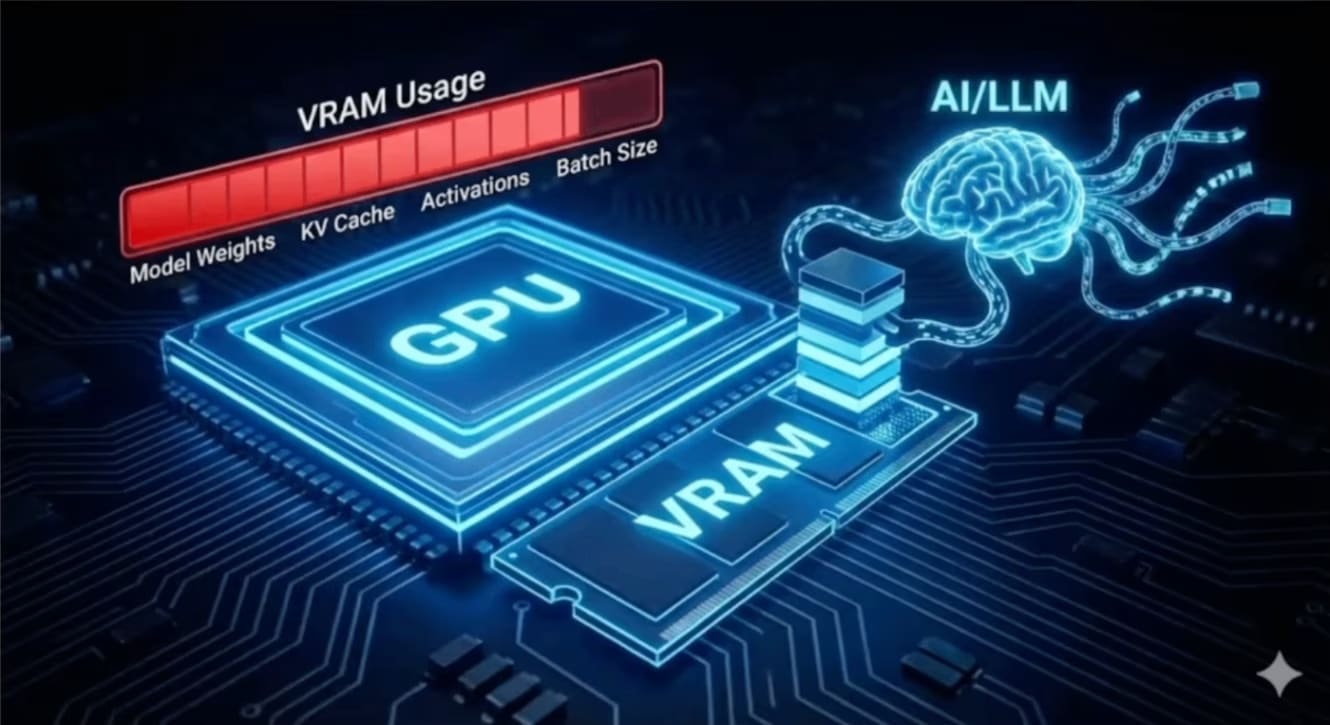
Apple Silicon uses unified memory — the CPU and GPU share the same physical memory instead of having separate pools like in a classic PC with a discrete graphics card. This is actually an advantage for AI workloads (no overhead for copying data between CPU and GPU memory), but it means your 8GB must simultaneously cover: macOS and background processes, open applications (a browser with several tabs can easily consume 1-2GB), and the model itself plus its context.
In practice, what's actually available for the model is around 4-6GB, not the full 8GB. This is the number you should keep in mind when choosing a model, not the nominal memory capacity of your Mac.
⚠️ What LM Studio officially says about 16GB
It's important to be honest right away: the official LM Studio system requirements page clearly states — "LLMs can consume a lot of RAM. At least 16GB of RAM is recommended". 8GB is below the recommended threshold, not a basic comfortable configuration.
This doesn't mean an 8GB Mac is unusable — it means you'll have to consciously choose small models and not expect the same experience as on 16GB or 32GB. LM Studio itself helps with this choice: in the model browser, each file is accompanied by a colored hardware-fit indicator — green means the model comfortably fits your hardware, yellow means it will work, but barely, red means part of the layers will need to be offloaded to system memory (and a corresponding drop in speed). On 8GB, you should get used to looking at this indicator before each download, rather than relying on the model name.
🧩 MLX or GGUF on 8GB — quantization in brief
On 8GB, the choice of format and quantization level is no longer a matter of convenience, but a question of whether the model will load at all. I won't repeat the theory here — I already have a detailed breakdown of GGUF quantization for Ollama — what the suffixes Q4_K_M, Q8_0, IQ4_XS mean, why Q4 is often better than Q8 (not just in size, but also in speed), and a formula for calculating the required RAM for any model. The principles there are identical for LM Studio — the file format (GGUF) is the same, only the engine that executes it differs.
In short for the 8GB context: with this amount of memory, you are almost always working with 4-bit quantization (Q4_K_M for GGUF, or simply "4bit" for MLX builds — the designations are slightly different, but the essence is the same). Anything higher — Q6, Q8 — leaves no room for context or the system on 8GB.
🥇 Phi-4-mini 3.8B MLX — the only comfortable model
If you have 8GB and need a model that is truly comfortable to work with daily, not just "technically runs" — it's Phi-4-mini. Independent tests confirm stable ~15-20 tokens per second on hardware like an M1 MacBook Air — enough for code commenting, simple explanations, and light chat without noticeable delays.
The model handles code autocompletion, simple explanations, and light chat scenarios well. Don't expect deep reasoning or complex multi-step logic from it — that requires much larger models, which simply won't fit on 8GB at an acceptable speed.
In LM Studio, look for the version marked 4bit MLX in the name — this is the one that will give the aforementioned 15-20 tokens/sec on Apple Silicon, while the GGUF variant will be slightly slower on the same hardware.
It's worth correcting a common mistake here. Some people recommend the smallest Gemma 4 — E2B for 8GB. This isn't entirely correct advice: E2B is so small (occupies approximately 1.5GB in 4-bit) that it underutilizes your actual capabilities — you get speed but lose the quality you could have had.
The real value for 8GB is Gemma 4 E4B — it occupies approximately 5GB in 4-bit, and independent system requirement reviews directly call it "your best bet" specifically for 8GB configurations — an unexpectedly powerful option for such a modest amount of memory. E4B uses Per-Layer Embeddings (PLE) technology, which gives the model the depth of a much larger size while consuming relatively little memory.
If you're choosing between Phi-4-mini and Gemma 4 E4B on 8GB, there's no simple "one is better than the other" rule. Phi-4-mini is faster and lighter, while Gemma 4 E4B is heavier but potentially higher quality due to its greater effective depth. Try both on your typical tasks — it will only take a few minutes, and the difference in experience can be significant.
🔄 Qwen3 / Qwen3.5 on 8GB — what actually fits
The Qwen family also offers compact options, and it's a worthy alternative if you need a model with stronger tool calling or a slightly different response style than Phi or Gemma.
You need to be careful with specific models here: at the time of writing, the smallest officially tested MLX builds of Qwen3 by the community are variants around 3-4B parameters. The newer Qwen3.5 lineup also offers smaller sizes, but there are fewer independent speed benchmarks for it on weaker hardware like an 8GB Mac yet — so I recommend focusing primarily on the hardware-fit indicator directly in LM Studio before downloading, rather than general numbers from the internet, which haven't accumulated yet for newly released small models.
A practical rule: if the model name contains "3B" or "4B" and there's an MLX build marked as 4bit — it's worth trying, the indicator will immediately show if it's realistic for your machine.
For 8GB RAM in 2026, start with Phi-4-mini, Gemma 4 E4B, or Qwen 3-4B in 4-bit quantization. If LM Studio shows a yellow or green hardware-fit indicator, the model will almost certainly be suitable for everyday use.
🤔 Why AI prompts sometimes recommend too much
If you've Googled something like "what model for LM Studio on 8GB" — you've likely seen an automatic AI response that, among other things, recommends something like "Llama-3 8B with Q2_K quantization". You should stop here and understand why this is bad advice, even if the model technically loads.
Firstly, an 8B model on 8GB of actual memory is almost always at the limit or beyond comfortable, considering that the system already needs 2-4GB. Secondly, and most importantly: Q2_K is such aggressive quantization that the quality degrades unevenly. The model might form coherent sentences but "lose logic" in the middle of a longer response. I delved into why this happens and where the acceptable quantization limit lies in my article on GGUF quantization: the short rule from there is — it's better to take a smaller model in Q4 than a larger one in Q2.
AI reviews in search engines are good at general instructions (like enabling Metal, limiting context), but when it comes to specific model recommendations — it's worth verifying these tips through independent sources or your own practical experience, rather than blindly following the first auto-generated list you find.
Actual speed figures — what's confirmed and what's not
Here I have to be as honest as in the AI prompts section: I won't create a table with exact tokens/sec for the "M1 8GB + Ryzen 5600U" combination for these specific models — I haven't found such direct independent measurements, and inventing numbers would violate the very honesty this article calls for.
Instead, here is verified data from various sources, with a clear indication of the hardware on which it was obtained:
Model
Hardware / test conditions
Tokens/sec
Source
Phi-4-mini 3.8B Q4_K_M
M1 MacBook Air (8GB hardware class)
~15-20 tok/s
Independent review of local models 2026
Gemma 4 E4B Q4_K_M
CPU-only, budget mini-PC without GPU
~5-9 tok/s (decode)
Extrapolation from llama.cpp benchmarks on similar CPUs
Gemma 4 E4B Q4_K_M
CPU-only, Raspberry Pi 5
~2-4 tok/s
Guide to edge deployment of Gemma 4
Gemma 4 E4B, full precision
48GB GPU (for reference — not 8GB class)
~13.8 tok/s
Independent test of all Gemma 4 variants
What can be practically taken from this: Apple Silicon with unified memory and Metal acceleration is systemically faster than CPU-only x86 laptops (like Ryzen 5600U without a discrete graphics card) for this class of tasks — the Neural Engine and memory architecture provide an advantage that CPU-only x86 hardware simply cannot compensate for. But I won't provide an exact figure for "how many tokens/sec your Ryzen 5600U will give on Phi-4-mini," because the honest answer is "I haven't found this measurement," not a fabricated number that looks plausible.
If you want to get an exact figure for your hardware — it takes literally two minutes: download the model in LM Studio, open a chat, and look at the tokens/sec counter that appears during response generation. This will give a much more accurate benchmark than any table in an article, as it accounts for your specific configuration — macOS version, background processes, current load.
🚫 What NOT to run on 8GB
Any 7B+ models in full form — even in 4-bit quantization, a 7B model with context and system needs will practically guarantee pushing you beyond the available 4-6GB
Gemma 4 26B or 31B — these are models for 24-32GB+ configurations, don't even think about them on 8GB regardless of quantization
Any model without checking the hardware-fit indicator — if you see a yellow or red indicator in LM Studio, it's a signal that the experience will be unstable even if it technically launches
Q8 or Q6 quantization even for small models — on 8GB, there's no room for the luxury of higher precision, stick to 4-bit
Multiple models loaded simultaneously — LM Studio's "load multiple models" feature is great on hardware with ample memory, but on 8GB it will quickly lead to swapping
⚙️ Practical Setup in LM Studio
A few specific settings that are worth applying immediately on an 8GB Mac, through the LM Studio interface:
Hardware Settings → Metal — ensure that hardware acceleration via Metal is enabled. This is almost always the case by default on Apple Silicon, but it's worth checking in the right sidebar of the application.
GPU Offload — set the slider to the maximum available cores. On unified memory architecture, this doesn't "take" memory separately — CPU and GPU still share one pool, so there's no point in artificially limiting offload.
Context Size — limit to 2048-4096 tokens — this is the most important practical setting on 8GB. Each context token occupies memory for the KV cache, and with a limited amount, a long context (8K, 16K) can lead to the application crashing due to lack of memory before the model even manages to respond.
Load only one model at a time — on 8GB, don't try to keep a "fast" and a "smart" model loaded simultaneously as you can do on 16GB+.
If, after these settings, the model still behaves unstably or generation noticeably slows down on longer responses — this is a signal that you should either shorten the context even further, or switch to a smaller model.
✅ Honest Conclusion: 8GB is the Minimum, 16GB is Comfortable
In short: an 8GB Apple Silicon Mac can technically run LM Studio and provide useful results — Phi-4-mini or Gemma 4 E4B cover real everyday tasks like simple chat, explanations, and light code autocompletion. It's not a toy and not a waste of time.
But it's also not the experience promised by marketing screenshots with powerful 14B-32B models. You are consciously choosing a compromise: a smaller model size, limited context, and foregoing more complex tasks like deep reasoning, working with large documents, or multi-agent scenarios via MCP where context grows quickly.
If local AI becomes a regular work tool for you, rather than a one-off experiment — an upgrade to 16GB offers a much wider choice of models (Qwen3-8B, full Gemma 4 26B MoE variants on the edge of possibility) and removes the constant anxiety of "will it fit". For those already on 16GB — I have an introductory article about LM Studio and why local AI in 2026 is no longer a compromise, which is a good starting point if you're completely new to this topic.