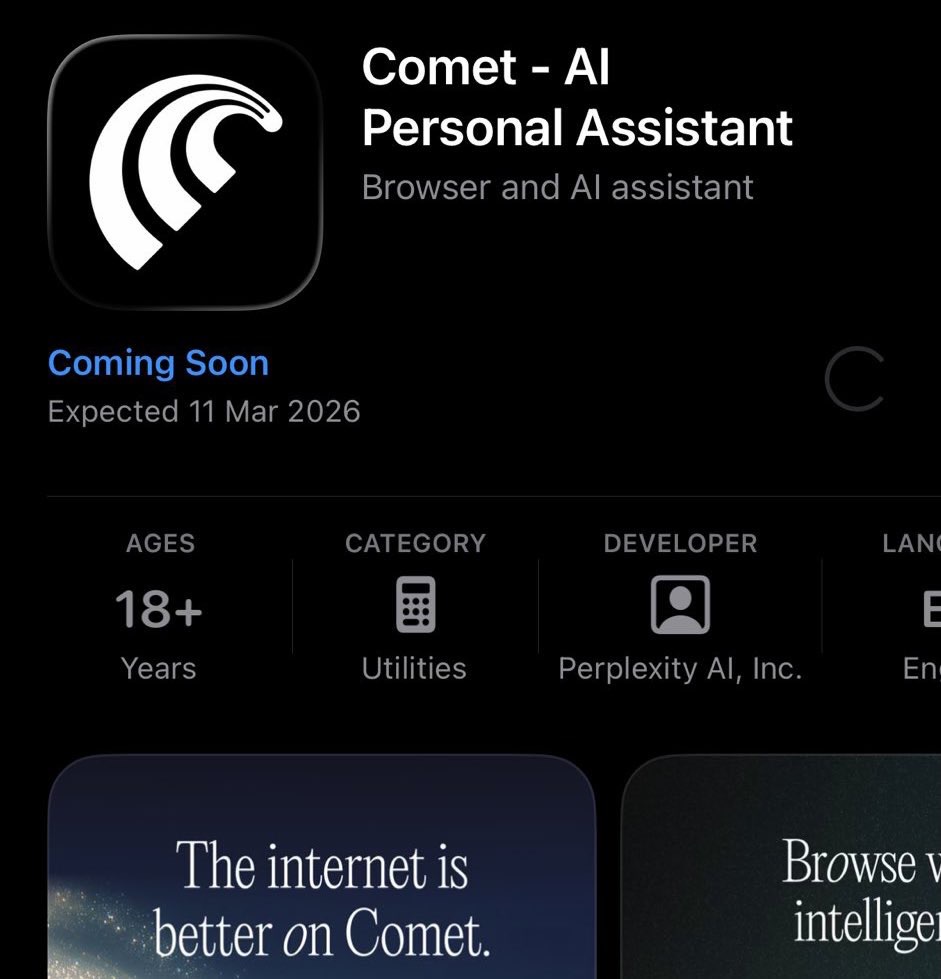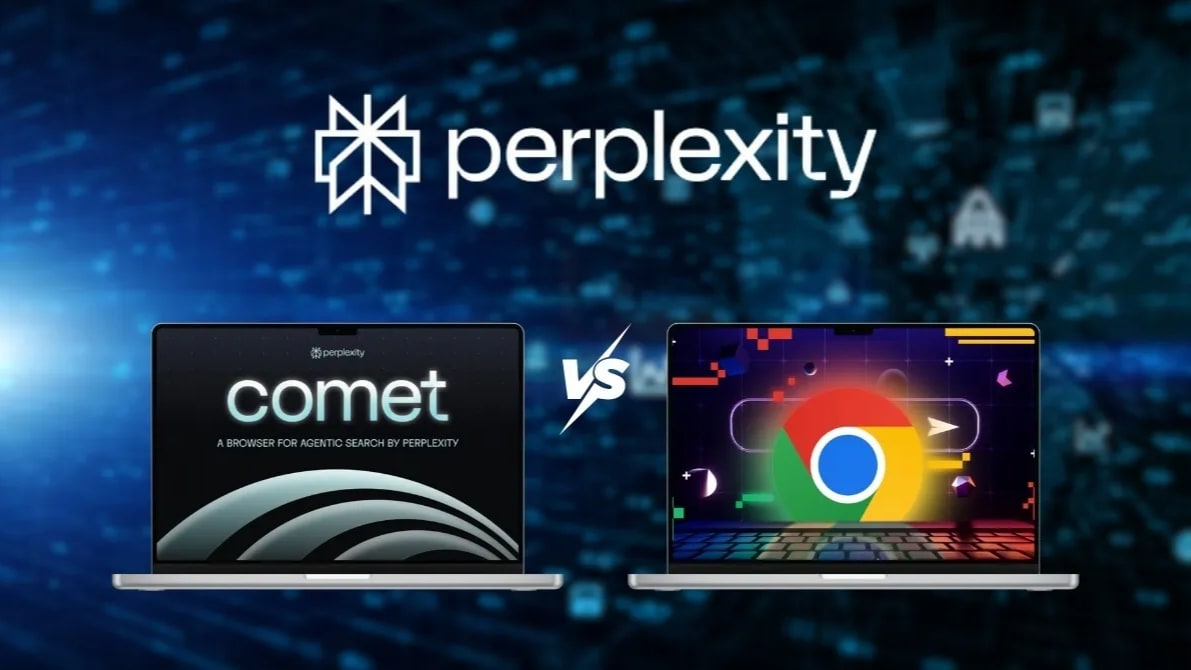
We are used to the browser being just a window to the internet. You open a page, read it, close it. But what if the browser itself reads the page for you, finds what you need, and completes tasks? This is exactly the idea that Perplexity is promoting with its new browser Comet, which on March 18, 2026 became available on iPhone. Spoiler: it's not a Safari killer — but it's the first serious step towards a new way of interacting with the web.
⚡ In Short
- ✅ Comet is an AI-native browser: it doesn't just display pages, but analyzes them and answers your questions in real-time
- ✅ Free on iOS: launched at $200/month on desktop — now available for free in the App Store
- ✅ Main feature is an agent AI: the assistant can perform tasks: briefings, search, summarization, shopping
- 🎯 You will get: a clear understanding of what Comet is, how it differs from Safari and Chrome, and who it's really for
- 👇 Below are detailed explanations, real capabilities, and honest limitations
📚 Article Content
- 📌 What Happened
- 📌 What is Comet
- 📌 Key Features
- 📌 How it Feels to Use
- 📌 From $200 to Free: Why It Matters
- 💼 How it Differs from Safari and Chrome
- 💼 Limitations at Launch
- 💼 Privacy Concerns
- ❓ Frequently Asked Questions (FAQ)
- ✅ Conclusions
What Happened
On March 18, 2026, Perplexity AI released the Comet browser for iPhone. The release was scheduled for March 11, but the team postponed it for a week without official explanation. Before this, the browser was already available on Mac, Windows, and Android.
Comet is positioned not as another browser, but as an AI-first tool — a personal assistant built directly into the web browsing process. According to the company itself, Comet's goal is to turn curiosity into action, not just show a list of links.
It's worth noting: according to Thurrott, the iOS version was released four months after Android. There is still no version for iPad.
What is Comet
Most browsers are a window. You open a page, read it yourself, search for what you need yourself. Comet tries to be something else — a layer between you and the web.
The key concept is agentic search. Instead of manually switching between tabs, the Comet assistant is present alongside any open page and processes its content in real-time. You can ask about what you're reading — and get an answer without leaving the site.
As gHacks explains, Comet emphasizes not page loading speed — but what happens afterward. That's where its advantage lies.
The old browser model looks like this:
User → browser → web → reads and filters themselves
Comet's new model:
User → AI → web → gets a ready answer
Key Features
🎙 Voice Mode
The built-in Voice Mode allows you to ask questions aloud and receive answers without leaving the current tab. According to iPhone in Canada, the mode knows which tab you are viewing and can discuss its content in real-time.
🔍 Hybrid Search
Comet doesn't always launch AI — it can distinguish between types of queries. For simple navigational queries (find a restaurant, check a match score), the browser provides standard search results. For more complex questions — it connects the Comet Assistant with in-depth answers. As eWeek notes, on iOS, search defaults to Google, not Perplexity — which differentiates the mobile version from the desktop one.
🧪 Deep Research
The Deep Research feature scans multiple sources simultaneously, extracts key information, and forms a structured answer with source links. According to Neowin, a Pro or Max subscription provides more credits for Deep Research, access to OpenAI and Anthropic models, and the ability to upload files for analysis.
🤖 Agentic Functions
This is the most interesting part. Comet Assistant doesn't just answer — it performs tasks. For example, it can open an event in your calendar, find meeting participants on LinkedIn, and prepare a brief summary with suggested questions. Thurrott clarifies, that agentic tasks are performed through a cloud-based virtual browser that reports results as they happen.
Also important: in the mobile market, Comet is currently the leader in agentic functions. Gemini in Chrome for iOS cannot yet perform multi-step tasks. Copilot Mode in Microsoft Edge remains desktop-only.
🔄 Cross-Device Synchronization
Start research on Mac — continue on iPhone. Search history and research threads sync across devices without losing context.
🚫 Native Ad Blocker
According to Thurrott, Comet has a built-in ad blocker — something Safari or Chrome don't have out of the box.
How it Feels to Use
Scenario 1: Searching for Complex Information
Try asking the same question on Google and Comet. For example: "What are the best SEO strategies for AI browsers in 2026?" Compare: Google will give you a list of links, Comet — will formulate an answer with sources. Describe where the answer was more useful.
Scenario 2: Reading an Article + Summarization
Honestly, this is where I first thought: "okay, this is really useful." I opened a material about AI regulation in the EU — the topic is important, but I didn't have time to read 4000 words. I clicked Assistant, typed: "What's the main point here?" — and in a few seconds, I got a structured summary with quotes. Safari can't do that.
Scenario 3: Agentic Task — Preparing for a Meeting
Open an event in your calendar, ask Comet to prepare a briefing on the participants. This is the best way to see the difference between a "browser with a chat" and an "agentic browser."
From $200 to Free: Why It Matters
Comet launched on desktop as a premium product and cost $200 per month, making it accessible only to a narrow circle of corporate or very wealthy users. According to The Keyword, the company made the browser free in October, the Android version was released a month later, and now it's iOS's turn — also for free. If you want to understand in more detail how Comet works — I've already written about it: How Comet Works: A Review of Perplexity's AI Browser.
Currently, the pricing structure looks like this:
- Basic Plan: free (with ads and data collection)
- Comet Plus: $5/month (included in Pro and Max subscriptions) — premium content from media partners
- Pro/Max: from $20/month — more Deep Research credits, top AI models, file uploads
What does this mean? Perplexity has abandoned subscription monetization in favor of an advertising model. A free browser with a wide audience = more data = more advertising revenue. The Keyword also notes, that Perplexity is negotiating with smartphone manufacturers about pre-installing Comet — and this changes the entire distribution picture.