OpenRouter provides free access to dozens of models through the same API as paid ones: just add :free to the model name. I personally work with OpenRouter in my Character AI platform on Spring AI, and free models are the easiest way to try a new model without any cost. However, "free" here has clear limits: request limits that an agent can exhaust in minutes, some models are trained on your data, and the list itself changes weekly. Below is how it all works, when free models are enough, and how not to get attached to a model that might disappear tomorrow.
⚡ In Brief
- ✅ How to get: add
:free to the ID of a model that has a free option, or use the openrouter/free router.
- ⏱️ Limits: 20 requests per minute; 50 per day if you have purchased less than 10 credits, and 1000 per day if you have 10 or more.
- 🔒 Privacy: some providers explicitly state they may train on your requests in free mode. Check each model.
- 🧭 When to use: training, prototypes, tests, model comparisons. When not to use: production with live users and any sensitive data.
- 🔄 The list changes: the model table below is dated; the article provides a way to find current free models yourself.
About the method. The mechanics and limits are taken from OpenRouter documentation, the model list is from the OpenRouter catalog as of October 18, 2026. I have not tested each free model individually; the practical observations below are from my experience working with models through OpenRouter in Spring AI.
📚 Article Contents
🆓 How OpenRouter Free Models Work
OpenRouter is a unified API to hundreds of models from various providers in OpenAI format. Free access is provided in two ways.
The :free Variant
Some models have a free version: a :free suffix is added to the model ID, e.g., nvidia/nemotron-3.5-lightning:free. It's important to understand that this is a separate entry in the catalog with its own pricing, context, and providers, not "the same model, just free." As the documentation states, free variants may have different limits and availability than paid ones. Not every model has a :free version: it only works where it's explicitly published.
The openrouter/free Router
If a specific model is not critical, you can specify openrouter/free. The router randomly selects one of the available free models, after filtering those that support the required capabilities: image handling, tool calls, and structured output.
I would use this option for experiments, API testing, or prototyping when a specific model is not fundamentally important. However, for tasks where result stability and reproducibility are crucial, it's better to specify a particular model: the router's responses may come from different models with distinct characteristics and behaviors.
⏱️ Limits: How Many Requests You Actually Get
According to OpenRouter documentation, the following restrictions apply to :free models:
| Limit |
Value |
| Requests per minute | 20 |
| Requests per day, less than 10 credits purchased | 50 |
| Requests per day, 10 or more credits purchased | 1000 |
| Negative balance | Requests, including to free models, will receive a 402 until the balance becomes positive |
Two more important facts from the same page: additional accounts or API keys do not increase the limit, as it's counted globally; and limits vary between models, so load can be distributed among several.
You can check the current status of your key with a request:
curl https://openrouter.ai/api/v1/key \
  -H "Authorization: Bearer $OPENROUTER_API_KEY"
The response includes the remaining limit, usage per day, week, and month, as well as the is_free_tier field.
What These Numbers Mean for an Agent
1000 requests per day sounds like a lot until you calculate an agent scenario. An agent rarely responds with a single model request: tool selection, the call itself, result processing, another call – that's 3–5 requests for one user response. Therefore:
- Per day: 1000 / 4 ≈ 250 agent responses for your entire application, for all users combined. Without purchased credits – about 12.
- Per minute: 20 / 4 = 5 responses. The sixth user in the same minute will receive a 429 error.
For a single developer testing their code, this is quite enough. For even a small production environment – no.
🧭 When Free Models Are Enough, and When They Aren't
| Scenario |
Free Model? |
Why |
| Learning, getting acquainted with the API and Spring AI | ✅ Yes | Zero cost, limits are sufficient for one developer |
| Prototype, MVP for yourself or an investor | ✅ Yes | Switching to a paid model is changing one line of configuration |
| Integration tests that call the model | ✅ Yes, with a condition | Monitor the 20 requests/min limit: a large test suite will exceed it; add delays between tests |
| Comparing models before choosing a paid one | ✅ Yes | You can evaluate quality for free, but not speed: the paid version runs on different providers |
| Production with live users | ❌ No | ~250 agent responses per day for the entire application; the model can be removed from the catalog at any time |
| Personal or commercial data | ❌ No | Some free providers train on requests (see next section) |
| Reproducible results, A/B tests | ⚠️ Specific model, not router | openrouter/free may select a different model each time |
Rule of thumb: a free model is a developer tool, not the foundation of a product. As soon as a user depends on the response, switch to the paid version. The good news is that many models on OpenRouter cost a few cents per million tokens, so the budget difference is often less than it seems.
🔒 Privacy: Who Can Learn From Your Data
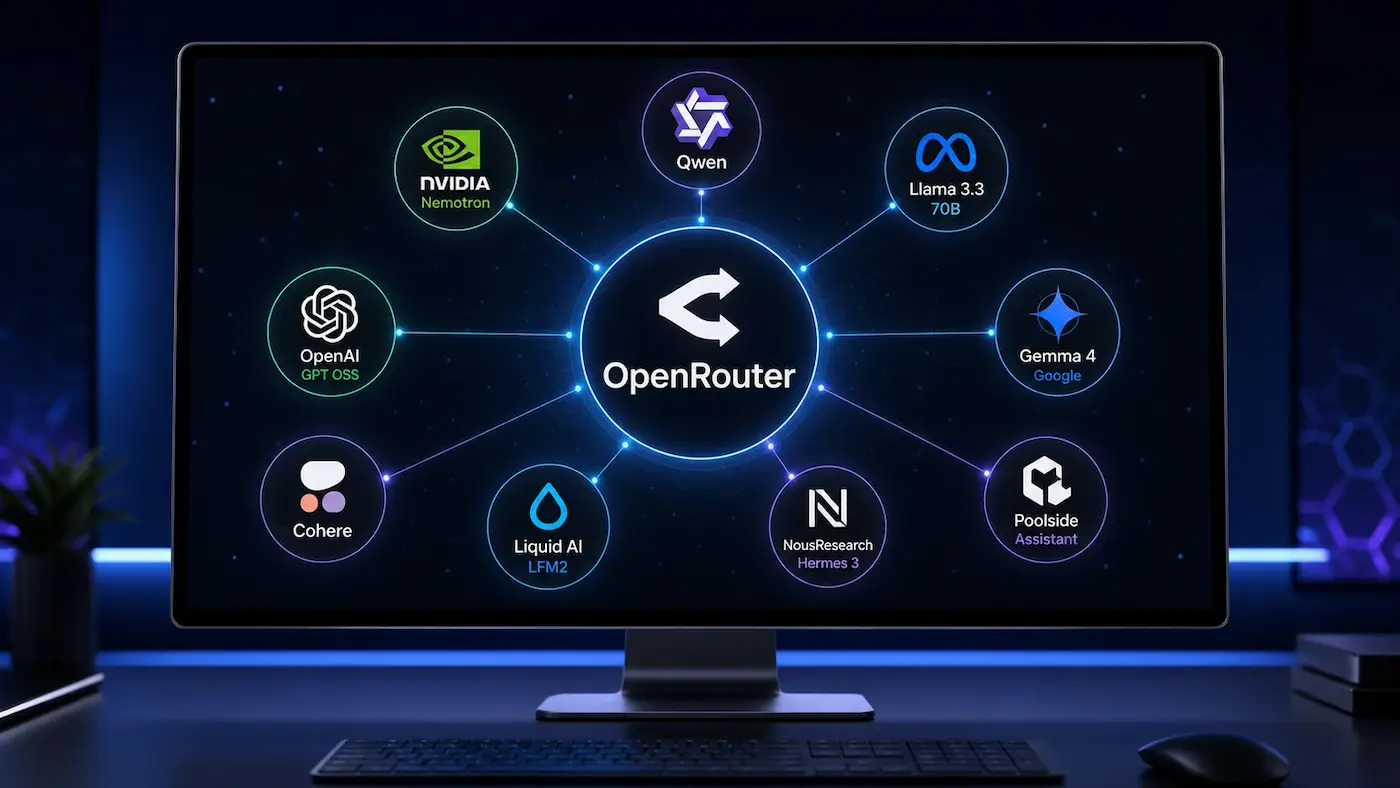
Free access is paid for by someone, and for some providers, "payment" is your data. In the OpenRouter catalog, some free models contain such warnings directly:
- Poolside Laguna S 2.1 and Laguna XS 2.1: when used for free, the provider may use your requests and responses to train their models.
- Liquid LFM2.5-2.6B: requests and responses may be stored and used to train Liquid models.
For other models, there is no warning in the description, but this is not a guarantee: check the specific provider's policy on the model page.
How to control this. According to OpenRouter FAQ, providers that log data or whose policies could not be confirmed are not used until you enable training permission in the privacy settings. This means you are protected by default, but if you ever enabled this switch to make a free model work, it applies to all account requests. If a request to a free model returns an error about a missing provider, this setting is often the reason.
The rule is simple: only put what you would publish without hesitation into free models. No personal data, keys, or company code.
🔍 How to Find Up-to-Date Free Models Yourself
The list of free models changes weekly: new ones appear, old ones disappear without notice. Therefore, it's more useful to know how to check the current status than to memorize names.
Via the Website
OpenRouter has a separate collection of free models, and in the general model catalog, you can filter by price.
Via API
The /api/v1/models endpoint returns the entire catalog with prices and supported parameters. Free models that support tool calls can be selected with a single command:
curl -s https://openrouter.ai/api/v1/models | jq -r '.data[]
  | select(.pricing.prompt == "0" and .pricing.completion == "0")
  | select(.supported_parameters | index("tools"))
  | "\(.id)  \(.context_length)"'
Checking for tools here is not a formality: if your agent uses @Tool, a model without tool support will simply ignore them, and you'll spend a long time searching for an error where there isn't one.
📋 OpenRouter Free Models: List for October 2026
Updated: October 18, 2026. The list changes frequently, so check the current status using the method from the previous section before use. Data is from the OpenRouter catalog; check tool support for your task in the supported_parameters field.
| Model |
ID |
Context |
Purpose |
Note |
| NVIDIA Nemotron 3 Ultra | nvidia/nemotron-3-ultra-550b-a55b:free | 1M | Agents, reasoning | Largest free model in the list: MoE, 55B active parameters out of 550B |
| NVIDIA Nemotron 3.5 Lightning | nvidia/nemotron-3.5-lightning:free | 1M | Fast agent tasks | MoE, 3B active out of 30B; designed for high throughput |
| NVIDIA Nemotron 3.5 Super VL | nvidia/nemotron-3.5-super-vl:free | 1M | Images, documents, screenshots | Reasoning enabled by default: slower, more tokens |
| Thinking Machines Inkling | thinkingmachines/inkling:free | 1.05M | Agents, multimodality | Open weights, MoE; accepts images and audio |
| Thinking Machines Inkling Small | thinkingmachines/inkling-small:free | 1.05M | General tasks | Smaller model in the Inkling family |
| Cohere North Mini Code | cohere/north-mini-code:free | 256K | Programming, agents | Output up to 64K; Apache 2.0 license |
| Poolside Laguna S 2.1 | poolside/laguna-s-2.1:free | 262K | Agent programming | ⚠️ Free requests may be used for training |
| Dots3-Note Preview | dots-studio/dots-3-note-preview:free | 512K | Reasoning, code, multimodality | Preview version: behavior may change |
| Liquid LFM2.5-2.6B | liquid/lfm-2.5-2.6b:free | 66K | Simple short tasks | ⚠️ Requests may be used for training; provider does not recommend it for agent programming |
| Free Models Router | openrouter/free | Depends on the selected model | Experiments | Random selection from free models |
☕ Integration in Spring AI
OpenRouter is compatible with OpenAI, so in Spring AI, you only need the OpenAI starter and three lines of configuration. This is how I connect models in my project:
spring.ai.openai.base-url=https://openrouter.ai/api
spring.ai.openai.api-key=${OPENROUTER_API_KEY}
spring.ai.openai.chat.options.model=nvidia/nemotron-3.5-lightning:free
Switching from a free model to a paid one involves removing :free or changing the model name. Therefore, it makes sense to put it in an environment variable from the start: then you work locally for free, and on the server, with a paid model, without code changes.
Which Model Responded
With the openrouter/free router, it's useful to log which model actually gave the answer, otherwise, you won't understand why the agent works today and not tomorrow. The model name is returned in the API response, and in Spring AI, you can get it from the metadata (check the methods for your version):
ChatResponse response = chatClient.prompt()
        .user(question)
        .call()
        .chatResponse();

log.info("Answered by: {}", response.getMetadata().getModel());
429 and 402 Errors
With free models, 429 is not an exception but the norm: a limit of 20 requests per minute, plus provider overload. Spring AI has built-in retries with exponential backoff, which are configured by the spring.ai.retry.* properties (check the names for your version). But retries won't help if the daily limit is exhausted: then requests won't go through until the next day. A 402 with a free model means a negative account balance, and can only be resolved by topping up.
🛠️ Common problems from my experience
These are problems I encountered when connecting different models via OpenRouter in Spring AI. They are not specific to free models, but they happen more often with free ones because there are more small and preview models among them.
- Model without function calling. Not all models support tool calling. In my project, one of the models did not support it at all, and the search agent had to be disabled for it at the configuration level. The symptom is insidious: there is no error,
@Tool is simply never called. Check tools in supported_parameters before looking for a bug in the code.
- Small models choose tools poorly. Models up to ~8B in size that I ran locally confused tools and unexpectedly switched the response language. Cloud models via OpenRouter with the same code chose tools correctly. So, if an agent on a small free model behaves strangely, try a larger model first, and only then rewrite the prompts.
- JSON wrapped in markdown. Some models return a structured response in a
```json block, and parsing breaks. I remove the wrapper before parsing: the opening block with replaceAll("(?s)```json\\s*", ""), and then the closing ```.
- Provider prefix in the name. On OpenRouter, the model is always specified with a prefix:
google/..., nvidia/.... Without it, the request will not go through.
- Default reasoning. Some models (Nemotron 3.5 Super VL in the list above) "think" by default before responding. This is slower and consumes more tokens; if you need a quick response, disable reasoning in the request parameters if the model allows it.
I wrote in detail about how models behave differently with tool calling and why @Tool might "stay silent" in the article "Which Ollama model to choose for an agent with tool calling".
❓ Frequently Asked Questions (FAQ)
Are OpenRouter's free models really free?
Yes, tokens cost $0, and no card is needed for 50 requests per day. To get 1000 requests per day, you need to buy at least 10 credits once, but you won't have to spend them on free models.
Can free models be used in production?
Technically yes, practically no. 1000 requests per day is about 250 agent responses for the entire application, and a model can be removed from the catalog at any time. For production, get a paid model: many of them cost a few cents per million tokens.
Will a second account or key increase the limit?
No. According to OpenRouter documentation, limits are counted globally, and additional accounts or keys do not increase them.
Do free models learn from my data?
Some do: for example, Poolside Laguna and Liquid LFM2.5 directly warn about this. For others, check the provider's policy on the model page and do not send anything confidential to free models.
Why does a model that worked yesterday return an error today?
The most common reasons are: the model was removed from the free catalog, the daily limit has been reached, or the provider is overloaded. Check the key by requesting /api/v1/key and the model's current status in the catalog.
✅ Conclusions
- 🔹 OpenRouter's free models are available through the same API as paid ones: the
:free suffix or the openrouter/free router.
- 🔹 Limits of 20 requests per minute and 50 or 1000 per day are sufficient for development, but for a production agent, this is only ~250 responses per day for the entire application.
- 🔹 Some free providers may learn from your requests; check each model and do not send sensitive data.
- 🔹 The list of models changes weekly, so it's more important to be able to find current models via the API than to remember names.
- 🔹 Move the model name to configuration from the very beginning: a free model locally, a paid one on the server, without code changes.
📖 Read also
📎 Sources
Important: The list of free models, limits, and provider conditions are subject to change. Before use, check the current OpenRouter documentation and the specific model page. The material is current as of October 18, 2026.