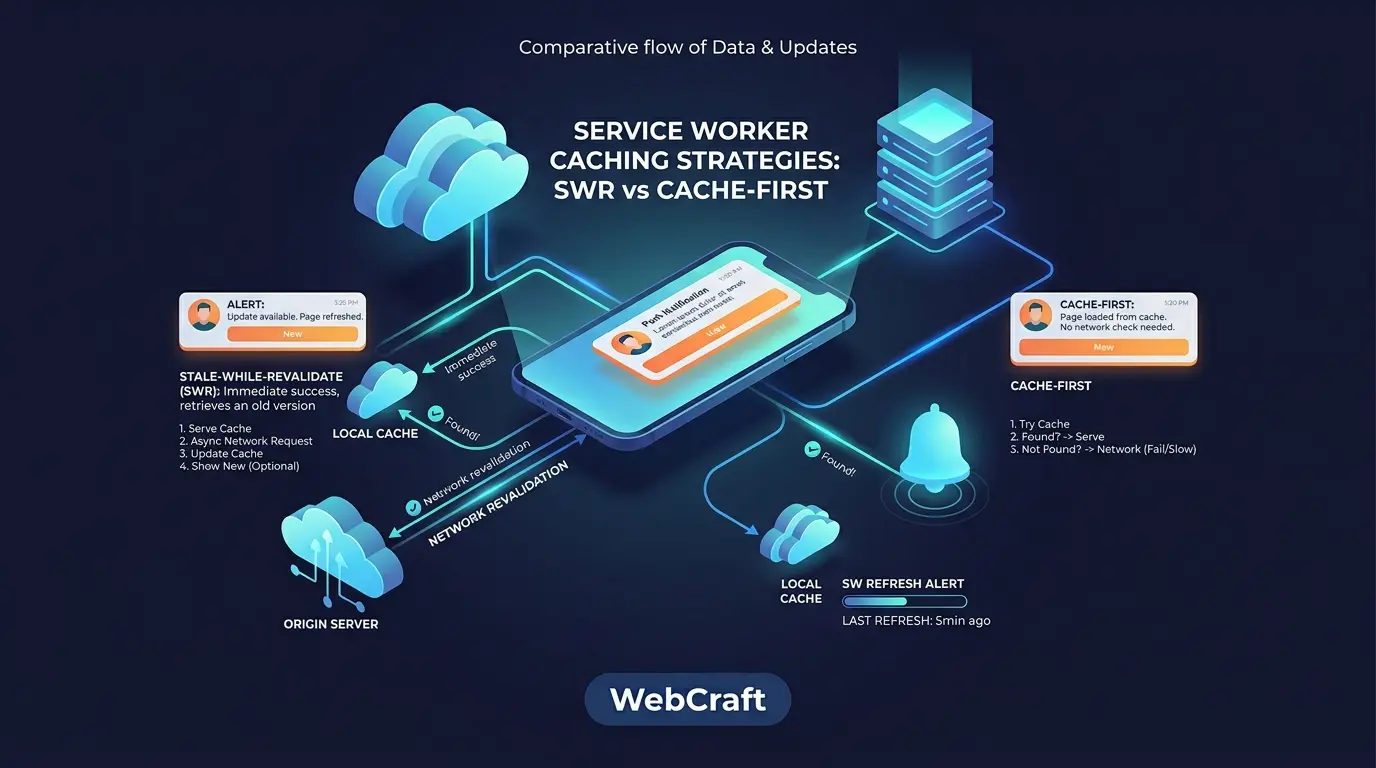
Once the Service Worker is registered, the main question changes from "should we cache" to "how exactly". Cache First serves the file from the cache and doesn't ask the server, Stale-While-Revalidate serves the cache and immediately updates it in the background. The difference seems minor, but it determines what the user will see after a release, how much traffic the application will consume, and whether the site will get stuck on an old version. I've already discussed why Cache First is dangerous for HTML in the article "8 Critical Mistakes When Integrating PWA". Here I'll break down the choice itself: what each strategy does, which resources it's suitable for, and what the cost is. The material is based on official Workbox documentation, web.dev, and WebKit.
⚡ In a nutshell: which strategy for what
- ✅ Cache First is well-suited for static assets, especially with a hash in the filename (CSS, JS, fonts): according to Workbox documentation, it provides a speed advantage for immutable files by skipping server freshness checks.
- ✅ Stale-While-Revalidate (SWR) is suitable for resources that are *slightly* important to keep fresh, but not critically so: Workbox gives social media avatars as an example.
- ⚠️ The cost of SWR: the user sees a version that is one visit older, and the application always makes a background network request.
- ⚠️ HTML is usually better served via Network First, not Cache First.
| Resource Type |
Where to start |
| HTML pages | Network First |
| CSS and JS with hash in name | Cache First |
| CSS and JS without hash | Stale-While-Revalidate |
| Changing images | Stale-While-Revalidate |
| Fonts | Cache First |
| Public GET API | Network First or SWR |
| Authorized and personal data | Network Only (no cache) |
| Audio and video | Cache First with Range request support |
This is a starting point, not a law. Below is an explanation of why this is the case and what deviations depend on.
📚 Table of Contents
🧠 How Service Worker Caches: Cache API, fetch, and Lifecycle
A caching strategy is the interaction between the fetch event in the Service Worker and the Cache interface. The fetch event intercepts the request, and the Cache API allows you to store and retrieve responses manually (caches.open, cache.put, cache.match, cache.delete).
It's important not to confuse it with the HTTP cache. According to the documentation, Cache is a separate mechanism, and Cache-Control settings do not affect what gets into it. Therefore, in a Service Worker, you manage the cache yourself, and each resource you put there stays there until you update or delete it.
Regarding the lifecycle: a new Service Worker goes through installation and waiting, and activates when the old one no longer controls open tabs (more on web.dev). This affects updates, which is discussed below. For identifying the request type, Workbox recommends using request.destination rather than the file extension: this way, matching errors by extension are avoided.
📦 Cache First: How it Works and Where it Breaks
Algorithm according to Workbox documentation: the request first goes to the cache; if a response is found there, it's served; if not, it contacts the network, puts the response in the cache, and returns it to the user.
| Pros |
Cons |
- Instant response when hitting the cache, no network needed
- Skips server freshness checks that the HTTP cache might perform
- Resources are available offline
- Simple code and predictable behavior
|
- A cached file doesn't update itself: it's only replaced by a new URL (hash in the name), a new cache version, or a worker update
- An erroneous response that gets into the cache stays there and breaks the page for a long time
- Dangerous for HTML and frequently changing data (discussed in the article on 8 PWA mistakes)
|
When to Choose Cache First
- Files are immutable for their URL: the build adds a hash to the name (
app.3f9a1c.js), and a new version gets a new address.
- The speed of repeat visits and offline operation are important.
- The resource is large or rarely changes: fonts, icons, libraries.
When Not to Choose
- The filename doesn't change between releases (
style.css), but the content does.
- It's HTML, API responses, or personal data.
- The response might be opaque: without a status check, an error might be cached (see the section on errors).
🔄 Stale-While-Revalidate: How it Works and What's the Cost
Algorithm according to Workbox documentation: on the first request, the resource is fetched from the network and put into the cache; on subsequent requests, it's served from the cache, and in the background, the network is re-queried and the entry is updated; the next request will then receive a fresher version. If the resource is not in the cache, SWR waits for the network.
| Pros |
Cons |
- Fast response from cache and regular entry updates
- The documentation calls it a fairly safe strategy because it regularly updates entries
- A cache error will be fixed on the next successful request
- Suitable for resources that should be kept fresh, but not critically so
|
- The user sees a version that is one visit older than the current one
- Always makes a background network request: according to Workbox's description, the check is performed regardless of the response's age, so more traffic is consumed
- More complex to implement manually than Cache First
|
When to Choose SWR
- The resource changes from time to time, but immediate freshness is not critical (profile pictures, previews, optional guides).
- The file has a stable URL without a hash, and you want it to update itself.
- You need the speed of Cache First, but without the risk of "stuck" files.
When Not to Choose
- Data must always be accurate (balance, availability, prices in the cart): Network First or Network Only is better.
- Traffic is expensive or limited, and the resource is large and rarely changes: then Cache First will save network usage.
SWR Without Service Worker: Cache-Control Directive
The SWR idea can also be implemented at the HTTP level: web.dev describes the Cache-Control: max-age=1, stale-while-revalidate=59 header, which has been supported in Chrome 75 and Firefox 68. For choosing an approach, web.dev recommends orienting yourself as follows: if you already have a Service Worker, its approach is more convenient; if you don't want to deploy and maintain a worker, the header is sufficient. If the worker is already handling the request, it responds first, and the header's behavior only applies when the worker doesn't respond or calls fetch() itself.
⚖️ Cache First vs. SWR Comparison
| Criterion |
Cache First |
Stale-While-Revalidate |
| Repeat Request Speed |
Instant from cache |
Instant from cache (network in background) |
| Freshness |
Doesn't update until URL or cache version changes |
Updates on each request, but the previous version is shown |
| Traffic Consumption |
Network only when not in cache |
Network request on every access |
| Offline |
Works for cached items |
Works for cached items (background update will silently fail) |
| Complexity |
Low |
Medium |
| Main Risk |
Outdated file "forever" |
User sees previous version; excessive traffic |
Other Strategies in Brief
Network First first goes to the network, and in its absence, serves the last cached version: according to the documentation, this is a good choice for HTML and APIs when a fresh version is needed online, and the last available version is sufficient offline. Network Only always fetches the response from the network, guarantees freshness, but doesn't work offline. Cache Only serves only cached items, so resources must be cached beforehand, and they don't update until the worker is updated. Why Cache First is dangerous for HTML is discussed in the article on 8 PWA mistakes.
🗂️ Resource Type Selection Matrix
| Resource |
Recommendation |
What to pay attention to |
| HTML |
Network First (SWR only if stale version is acceptable and there's an update notification) |
Cache First leaves the user on an old version; Workbox has a separate instruction for Navigation Preload for Network First HTML |
| CSS and JS with hash |
Cache First |
A new build results in a new URL, so the old file won't be present |
| CSS and JS without hash |
SWR |
Cache First won't update a file with the same URL (my conclusion from the strategy's operating principle) |
| Changing images (avatars) |
SWR |
Example from Workbox documentation. Limit cache size (ExpirationPlugin) |
| Immutable images, fonts |
Cache First |
Set entry and age limits |
| Public GET API |
Network First or SWR |
Network First if freshness is important; SWR if speed is more important than accuracy, plus update notifications |
| Authorized pages, personal data, POST |
Network Only (do not cache) |
Risk of showing someone else's or outdated data |
| Audio and video |
Cache First + workbox-range-requests |
Media should be cached in advance, not on the fly (more details in the errors section) |
| Third-party domain resources (CDN) |
SWR or Network First |
Responses can be opaque; Cache First is risky for them (see errors) |
Quick Selection by Questions
- Does the content change at the same URL? No → Cache First. Yes → proceed.
- Is real-time freshness critical? Yes → Network First or Network Only. No → SWR.
- Does the response contain personal data? Yes → do not cache.
- Is offline functionality required? Yes → Cache First, SWR, or Network First (with cache fallback).
🛠️ Implementation: Pure JS and Workbox
Cache First in Pure JS
const STATIC_CACHE = 'static-v1';

self.addEventListener('fetch', (event) => {
  const { request } = event;
  const dest = request.destination;

  if (request.method !== 'GET') return;
  if (dest !== 'style' && dest !== 'script' && dest !== 'font') return;

  event.respondWith((async () => {
    const cache = await caches.open(STATIC_CACHE);
    const cached = await cache.match(request);
    if (cached) return cached;

    const response = await fetch(request);
    // Only cache successful responses
    if (response.ok) {
      cache.put(request, response.clone());
    }
    return response;
  })());
});
Stale-While-Revalidate in Pure JS
const IMAGES_CACHE = 'images-v1';

self.addEventListener('fetch', (event) => {
  const { request } = event;
  if (request.method !== 'GET' || request.destination !== 'image') return;

  event.respondWith((async () => {
    const cache = await caches.open(IMAGES_CACHE);
    const cached = await cache.match(request);

    // Background request: update cache with fresh response
    const networkUpdate = fetch(request)
      .then((response) => {
        if (response.ok) cache.put(request, response.clone());
        return response;
      })
      .catch(() => undefined);

    // Prevent worker from finishing while cache is updating
    event.waitUntil(networkUpdate);

    return cached || (await networkUpdate) || Response.error();
  })());
});
The basis of these examples corresponds to the examples from Workbox documentation. I've added checks for response.ok and event.waitUntil. The examples are simplified and haven't been run, so please test them on your project.
The Same with Workbox
import { registerRoute } from 'workbox-routing';
import { CacheFirst, StaleWhileRevalidate } from 'workbox-strategies';
import { ExpirationPlugin } from 'workbox-expiration';
import { CacheableResponsePlugin } from 'workbox-cacheable-response';

// CSS and JS with hash in name: Cache First
registerRoute(
  ({ request }) => request.destination === 'script' || request.destination === 'style',
  new CacheFirst({
    cacheName: 'static-assets',
    plugins: [
      new ExpirationPlugin({ maxEntries: 60, purgeOnQuotaError: true }),
    ],
  })
);

// Images: Stale-While-Revalidate
registerRoute(
  ({ request }) => request.destination === 'image',
  new StaleWhileRevalidate({
    cacheName: 'images',
    plugins: [
      new CacheableResponsePlugin({ statuses: [200] }),
      new ExpirationPlugin({
        maxEntries: 100,
        maxAgeSeconds: 30 * 24 * 60 * 60,
        purgeOnQuotaError: true,
      }),
    ],
  })
);
The values for maxEntries and maxAgeSeconds in the example are approximate: adjust them for your site. Separate caches for different resource types (cacheName parameter) help with both organization and cleanup (Workbox documentation).
🔁 Updates Without Surprises
- Versioning. For Cache First in a sensible build, files get a hash in their name, and old entries are cleared along with the cache version. For an example with
skipWaiting(), clients.claim(), and clearing old caches, see the article on 8 PWA mistakes, and for updating the worker in Workbox: Handle updates immediately.
- Notification of new version for SWR. Since SWR serves the previous version, it's useful to show the user that a newer one is available. Workbox has
BroadcastUpdatePlugin for this: it sends a message to the page when a cached response has been updated.
// sw.js
import { StaleWhileRevalidate } from 'workbox-strategies';
import { BroadcastUpdatePlugin } from 'workbox-broadcast-update';

new StaleWhileRevalidate({
  cacheName: 'api-public',
  plugins: [new BroadcastUpdatePlugin()],
});

// On the page
navigator.serviceWorker.addEventListener('message', async (event) => {
  if (event.data.meta === 'workbox-broadcast-update') {
    const { cacheName, updatedURL } = event.data.payload;
    // Show the user "A new version is available. Update?"
  }
});
The message format (type: 'CACHE_UPDATED', meta: 'workbox-broadcast-update', payload with cacheName and updatedURL) is taken from the module's documentation.
⚠️ Common Errors
- Caching errors and opaque responses. In Workbox, CORS-less (opaque) responses are not cached by default for safety because their status is not visible, and a cached error with Cache First will persist for a long time. For such responses, the documentation recommends Network First or SWR, and marking HTML requests with the
crossorigin attribute to get a transparent response. In your own code, always check response.ok.
- Unlimited cache growth. Use
ExpirationPlugin. According to the documentation, maxEntries is more effective than maxAgeSeconds for controlling volume, and purgeOnQuotaError allows automatic cache cleaning when space is insufficient. Opaque responses "weigh" a lot: in Chrome, even a small opaque response counts as approximately 7 MB of quota.
- Audio and video. Requires
workbox-range-requests, the crossorigin attribute in the <video> or <audio> element, and media should be cached in advance (via precache or cache.add()), because only a part is downloaded during playback, and caching "on the fly" won't work.
- Authorized pages and POST. Do not cache responses with personal data and do not use Cache First for requests that change state. An example of a route whitelist is in the article on 8 PWA mistakes.
- Service worker update failure. If the worker breaks the site, there is a Workbox guide on removing a problematic Service Worker.
🍎 iOS and Storage
Quotas. According to WebKit's storage policy, starting with Safari 17 and iOS 17, the quota for a single origin for a browser application can reach 60% of the total disk space, and for other WebKit applications, it's 15%. A web application added to the home screen has the same quotas as in the browser. The cache is cleared by origin when total usage exceeds the overall quota, and this does not apply to origins that have requested persistent mode via the Storage API. WebKit decides whether to satisfy a request based on heuristics, for example, whether the site is opened as a web application from the home screen.
The "7 days" rule. It is often written that Safari clears PWA cache after 7 days of inactivity. WebKit clarifies: this applies to data written by scripts after seven days of Safari usage without interacting with the site, while home screen web applications have their own usage day counter, which resets when the application is launched. So, for a site that is only opened in Safari tabs, the risk of losing cache is real, while for an installed PWA, it is significantly lower. Still, do not store a single copy of important data in the cache: store it on the server, and keep the cache as an acceleration.
For other iOS conditions (home screen, push), see the article "PWA Push Notifications on iOS in 2026".
🔌 Caching with Push Services
If you add a push service, you will have two tasks for a single Service Worker: caching and handling pushes. The documentation of several services describes how to combine them:
- OneSignal allows you to add an
importScripts line to your worker or place it separately at another path or scope, and directly mentions that the OneSignal worker with a root scope can conflict with PWA.
- FCM requires a
firebase-messaging-sw.js file at the root of the domain.
- Pushwoosh describes the
serviceWorkerUrl parameter and connecting its worker via importScripts.
A practical rule from the caching side: in your fetch handler, only process requests that you are actually caching (GET from your origin with known resource types), and do not intercept requests to the push service itself. A comparison of services and risks of worker conflicts is discussed in the article "Push Services for PWA".
📈 How to check the result
- DevTools → Application. The Service Workers and Cache Storage tabs show the worker's status and cache contents (this is how Workbox documentation describes it).
- Network. See which requests are served by the worker and which go to the network. With SWR, there should be a background request on each access.
- Offline mode. Enable offline simulation and reload the page: at least the shell and critical resources should load.
- Updates after release. Deploy a new build and ensure that the user (including in an already open tab) receives the new version within the expected time.
- Lighthouse. Helps to check the overall PWA and performance picture.
❓ Frequently Asked Questions (FAQ)
What to choose for CSS and JS: Cache First or SWR?
If files have a hash in their name, Cache First is usually suitable: a new build results in a new URL. If the name doesn't change between releases, use SWR or Network First, otherwise the user might be left with an old file.
Can HTML be cached via SWR?
Technically yes, but the user will see a version that is one visit older. If this is acceptable and you show an update notification, SWR works. For pages where timeliness is important, Network First is better.
Is Workbox necessary?
No, everything can be written manually, as in the examples above. Workbox offers ready-made strategies and plugins (ExpirationPlugin, BroadcastUpdatePlugin, RangeRequestsPlugin) that reduce errors. The Workbox documentation pages I refer to were last updated in 2018–2021, so check versions before using.
How does SWR in Service Worker differ from stale-while-revalidate in Cache-Control?
The idea is the same, but the level is different: the header works at the browser's HTTP cache level and doesn't require a worker, while SWR in a worker is managed by your code (or Workbox) and can work with the Cache API. If the worker is already responding to a request, it takes precedence.
Why does a user see the old version after a release?
Common reasons: HTML is served via Cache First, the filename hasn't changed with Cache First, the new worker is waiting for tabs to close. Check the strategy for each resource type and the worker lifecycle.
✅ Conclusions
- 🔹 The choice of strategy is not about "one best option," but about matching the resource type: immutable files with hashes respond well to Cache First, while resources that should be updated without hassle are suitable for SWR.
- 🔹 SWR pays for freshness with two things: the user sees the previous version, and the network receives an additional request.
- 🔹 HTML and rapidly changing data are better served via Network First; personal responses should not be cached.
- 🔹 Always check the response status before writing to the cache and limit the cache size.
- 🔹 On iOS, consider quotas and the difference between a Safari tab and an installed PWA.
- 🔹 If you are adding a push service, think in advance about how to combine its worker with yours.
For a general comparison of PWA and native applications if you are choosing a platform, see here: PWA vs Native in 2026.
📎 Sources
Important: The documentation I am referencing is partially dated 2018–2021 (Workbox pages), and browser policies change. Check current library versions and browser behavior before use. The material is current as of October 2026.