"Chat" in Z.ai means two different things: the mode on the chat.z.ai website and the standard chat/completions call in the API. This article is about the latter: how to build a chat using GLM models, manage history and context, and avoid overpaying for reasoning.
In short: The API doesn't store state, so you send the history and system prompt with each request. For general chat, GLM-5.3-Flash with reasoning_effort: low is suitable, while GLM-5.3 should be reserved for code-related tasks.
Updated: November 10, 2026. API models and parameters verified as of this date.
⚡ TL;DR
- ✅ Chat in the API is
/chat/completions, compatible with OpenAI. There's no separate "chat endpoint."
- ✅ Stateless: The server doesn't remember the conversation; you provide the history.
- ✅ Chat Model: GLM-5.3-Flash is affordable, has an MIT license, and understands images.
- ✅ Reasoning doesn't turn off, but
low makes responses faster and cheaper.
- ✅ Tool calling works in chat — agents are built from the same call.
- 🎯 Example: Chat with memory in Java and Spring AI.
📚 Table of Contents
For an overview of the entire platform, the GLM model lineup, and pricing, see the article Z.ai in 2026: GLM Lineup, Chat vs. Agent, API, and Pricing.
🎯 Chat in Z.ai: Website vs. API
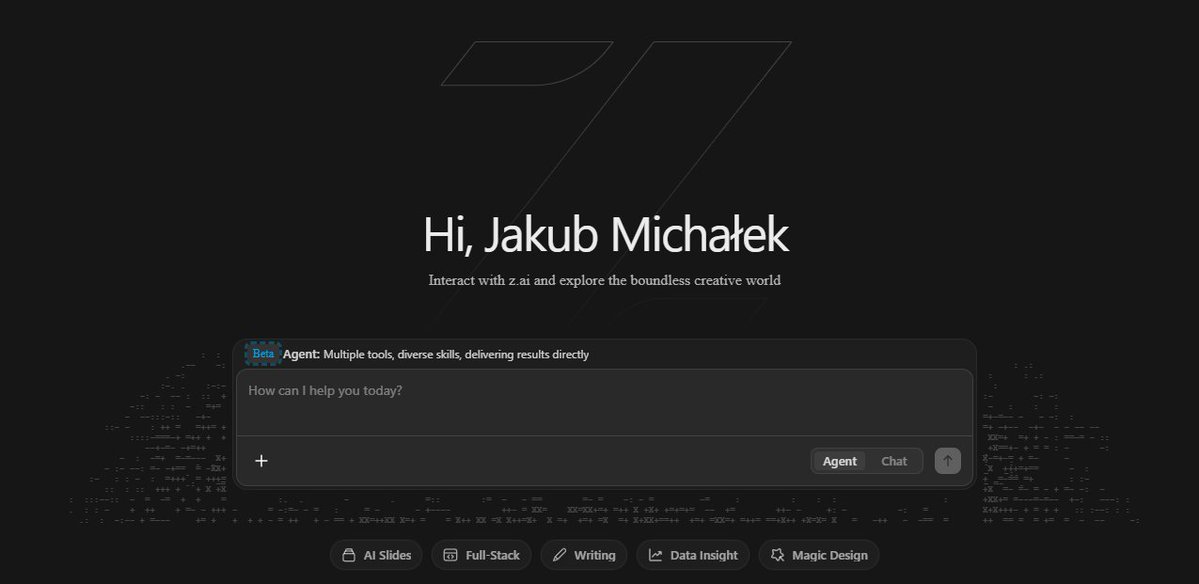
Short answer: On chat.z.ai, Chat is an interface mode where the model responds with text, without generating files. The API doesn't have a separate mode: any dialogue is a request to /chat/completions, and you decide whether to provide tools to the model.
| Chat on chat.z.ai | Chat via API |
|---|
| For Whom | User in a browser | Developer in their application |
| History | Maintained by the website | Maintained by you |
| Tools | None (use Agent mode for them) | Any you provide via tools |
| Pricing | Free with limits | Per token or GLM Coding Plan |
Learn about the differences with the Agent mode on the website in the article Agent Mode in Z.ai.
🧩 Choosing a Model for Chat
| Model | When to Use for Chat | Input | Price, $ per 1M (input / output) |
|---|
| GLM-5.3-Flash | Default: chatbots, RAG, support | Text, images, video | 0.15 / 0.50 |
| GLM-5.3 | Code-related questions, complex analysis | Text only | 1.40 / 4.40 |
| GLM-5 | If it's already working and 200K context is sufficient | Text only | 1.00 / 3.20 |
Sources: Z.ai: GLM-5.3, Codersera: GLM-5.3-Flash, GetDeploying: GLM-5. Prices verified on November 10, 2026.
💡 My choice for chat: Flash. The price difference is nearly tenfold, and for typical user questions, the flagship model offers few advantages.
🔄 How the Request Works: History and System Prompt
Short answer: Z.ai's API doesn't store the conversation between requests. In each request, you send the entire messages array: the system prompt, previous turns, and the new question. The model only sees what's in that array.
{
  "model": "glm-5.3-flash",
  "messages": [
    {"role": "system", "content": "You are a tech support assistant. Respond in Ukrainian."},
    {"role": "user", "content": "How do I change my password?"},
    {"role": "assistant", "content": "Go to Settings → Security..."},
    {"role": "user", "content": "What if I forgot the old one?"}
  ],
  "reasoning_effort": "low",
  "stream": true
}
- ✔️ System prompt — in every request. If you don't pass it, the model won't know about it: the server remembers nothing.
- ✔️ Behavior can be changed on the fly. Want a different tone for the next response? Change the system prompt in the next request.
- ✔️ Order matters: system first, then turns in chronological order.
📏 1M Context: When to Send Everything and When to Trim
Short answer: GLM-5.3 and GLM-5.3-Flash accept up to 1M tokens, so context limits in chat are rare. However, each request is billed for the entire history, so trimming it is still advisable.
A chat with 50 messages of 300 tokens each means 15,000 input tokens in *every* subsequent request. Large context removes the technical limitation, but not the economic one.
| Strategy | When it's suitable |
|---|
| Window of the last N messages | Standard chatbot, tech support |
| Compressing old history into a short summary | Long sessions where early context is important |
| RAG: only relevant document snippets | Answers from a knowledge base. Cheaper and more accurate than sending all documents |
| Full history | Short sessions or analyzing a single large document |
Caching. Cached input costs less than regular input. Keep the unchanging part of the request at the beginning: system prompt and reference data, and add new messages at the end. Details are in the Context Caching documentation.
🧠 Reasoning Effort for Chat
Short answer: In GLM-5.3, reasoning is always enabled. The reasoning_effort parameter accepts low, high, or max, and defaults to max. For chat, low is almost always sufficient.
| Level | Use case in chat |
|---|
low | General questions, support, RAG |
high | Explaining complex topics, comparing options |
max | Code-related questions and multi-step analysis |
⚠️ Most common mistake: not specifying the level and getting the default max. Responses become slower and more expensive where it's not needed. A request with thinking: {"type": "disabled"} to GLM-5.3 will result in an error (Z.ai).
🛠️ Tool Calling in Chat
Chat in the API can call your functions: pass tools with descriptions in JSON Schema, and the model will return tool_calls when it needs data. Your code executes the function, not the model. This way, a chatbot can, for example, check an order status in the database.
When multiple calls happen in a row and the model plans the steps itself, it's already an agent. How to build one is described in the article Agent Mode in Z.ai: Agent Model Architecture.
☕ Example: Chat with Memory on Spring AI
The Z.ai API is compatible with OpenAI, so the standard starter spring-ai-starter-model-openai is suitable: just specify the Z.ai address and the model.
⚠️ The code was written for Spring AI 1.x API and did not run in this version of the article. If you have a different version, class and property names may differ.
application.properties
spring.ai.openai.api-key=${ZAI_API_KEY}
spring.ai.openai.base-url=https://api.z.ai/api/paas/v4
spring.ai.openai.chat.completions-path=/chat/completions
spring.ai.openai.chat.options.model=glm-5.3-flash
spring.ai.openai.chat.options.reasoning-effort=low
completions-path is needed because Spring AI appends /v1/chat/completions to the address by default, and Z.ai has a different path.
Configuration: Memory for 20 Messages
@Configuration
public class ChatConfig {

    @Bean
    ChatMemory chatMemory() {
        return MessageWindowChatMemory.builder()
                .maxMessages(20)
                .build();
    }

    @Bean
    ChatClient chatClient(ChatClient.Builder builder, ChatMemory chatMemory) {
        return builder
                .defaultSystem("You are a technical support assistant. Respond in Ukrainian, briefly.")
                .defaultAdvisors(MessageChatMemoryAdvisor.builder(chatMemory).build())
                .build();
    }
}
Service: Streaming the Response
@Service
@RequiredArgsConstructor
public class SupportChatService {

    private final ChatClient chatClient;

    public Flux<String> ask(String conversationId, String question) {
        return chatClient.prompt()
                .user(question)
                .advisors(a -> a.param(ChatMemory.CONVERSATION_ID, conversationId))
                .stream()
                .content();
    }

    public String askAboutCode(String conversationId, String question) {
        return chatClient.prompt()
                .user(question)
                .options(OpenAiChatOptions.builder()
                        .model("glm-5.3")
                        .reasoningEffort("max")
                        .build())
                .advisors(a -> a.param(ChatMemory.CONVERSATION_ID, conversationId))
                .call()
                .content();
    }
}
What's Happening Here
- ✔️ Stateless Under the Hood. The advisor automatically adds the system prompt and the last 20 messages to
messages before each request. This is the same mechanism from Section 3, just automated.
- ✔️ History Truncation.
MessageWindowChatMemory counts messages, not tokens. This is usually sufficient for a chat. If messages tend to be very long, limit by tokens as well.
- ✔️ Two Models in One Service. Regular questions go to Flash with
low, code-related questions go to GLM-5.3 with max by overriding options.
- ⚠️ In-Memory Storage is lost after a restart. For production, connect a JDBC memory repository, for example, in PostgreSQL.
🧭 When Chat is Enough, and When It's Not
| ✅ Chat is Enough | ❌ Something Else is Needed |
|---|
| Support chatbot, FAQ, internal assistant | Multi-step tasks with multiple tools — an agent |
| RAG: answers from a knowledge base | Ready-made .docx, .xlsx files — Agent mode or custom generation |
| Code explanation, review, function generation | Image analysis at the Gemini level — a different model |
| Text generation in a specific style | Personal data from the EU without a verified contract — another provider or self-hosting |
❓ Frequently Asked Questions
How does Chat differ from Agent in Z.ai?
On the chat.z.ai website, Chat responds with text, while Agent plans steps, calls built-in tools, and creates files itself. In the API, there's no such division: there's a single chat/completions call, and you add the tools yourself.
Does the Z.ai API remember previous messages?
No. The API does not store state between requests, so the conversation history and system prompt must be sent with each request.
Which GLM model should I choose for a chatbot?
For most chatbots, GLM-5.3-Flash with reasoning_effort: low: it's cheap and supports images. GLM-5.3 should be used for code-related questions and complex analysis.
How do I disable thinking in GLM-5.3?
You can't: in GLM-5.3, reasoning is always enabled. The minimum level is reasoning_effort: low. A request with thinking: {"type": "disabled"} to GLM-5.3 will result in an error.
✅ Conclusions
- 🔹 Chat in the API is a standard
chat/completions. Chat and Agent modes only exist on the website.
- 🔹 The API is stateless: history and system prompt are in each request.
- 🔹 A 1M context removes the technical limit, but not the cost. Truncate history or use RAG.
- 🔹 For chat — GLM-5.3-Flash and
low, for code — GLM-5.3 and max.
- 🔹 In Spring AI, connecting takes a few lines of configuration thanks to OpenAI compatibility.
The main takeaway: the biggest savings in Z.ai chat come not from choosing a provider, but from two settings: the right model and the reasoning level.